
Table of Contents
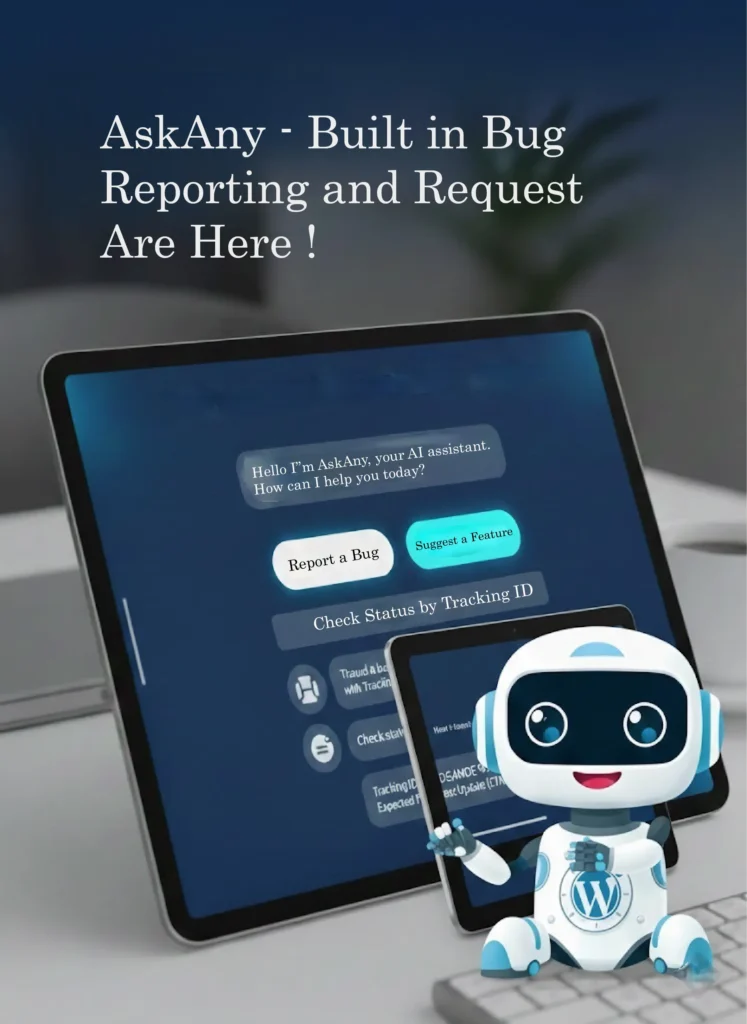
AskAny bug reporting and feature requests are now officially built into the plugin, giving WordPress site owners a powerful new way to collect structured user feedback directly inside the chat interface. If you have been looking for a way to handle both bug reports and feature ideas without leaving your site, this update solves that completely.
Feedback is the foundation of product improvement. But most websites struggle with scattered emails, lost chat messages, and unstructured feature ideas. AskAny solves this problem by integrating a complete AskAny chatbot feedback system directly into your AI chatbot – no third-party tools required.
Why AskAny Built In Bug Reporting and Feature Requests Matter
When users find a bug or want to suggest an improvement, they should not need to open a separate ticketing system. With AskAny bug reporting and feature requests built directly into the chat, everything happens inside the conversation – no friction, no extra steps.
- Users can report bugs instantly
- Visitors can request new features
- AI detects intent automatically
- Each submission generates a unique tracking ID
- Admins can fully customize titles and messages
This creates a smoother experience for users and a more organized workflow for your team. Understanding how WordPress plugins extend your site helps put this feature in context – AskAny adds a feedback layer that most sites currently lack entirely.
How To Enable Bug Reporting in AskAny
Setting up AskAny bug reporting takes just a few simple steps inside your WordPress dashboard:
- Go to your WordPress dashboard
- Open AskAny Settings
- Navigate to Home Page Settings
- Activate the Homepage option
- Enable the Report Issue toggle
Customize the Bug Reporting Card
You have full control over how the report option appears inside the chat home screen.
- Title such as Report an issue
- Description such as Found a bug? Let us know
- AI Initial Message which guides users when they begin reporting
How Bug Reporting Works
If the home link is enabled, users will see a Report an Issue card on the chat home screen. When they click it, the reporting form opens automatically.
If the home link is disabled, the system still works intelligently. When a user types something like “I have a bug to report,” the AI detects the intent and walks them step by step through the reporting process – no manual intervention needed on your end.
After submission, a unique Report ID is generated and shared with the user. This allows them to track the issue later without confusion. For more on how AI-powered chatbots handle intent detection, WPBeginner’s overview of AI chatbot plugins is a useful reference.
How To Enable Feature Requests in AskAny
The AskAny feature request system works in a similar way and can be enabled quickly:
- Open AskAny Settings
- Scroll to the Feature Request section
- Enable the Feature Request toggle
Customize the Feature Request Card
- Title such as Request a feature
- Description such as What would you like to see next?
- AI Initial Message to guide submissions
How Feature Requests Work
When the home link is enabled, users can click the Request a Feature card from the chat home screen and submit their idea immediately.
If the home link is disabled, the AI still detects phrases like “I have a feature idea” and automatically guides users through the request form.
Each feature submission generates a unique Request ID so users can reference or track their idea later. You can also review all submissions from your AskAny admin dashboard to prioritize development decisions.
Benefits for WordPress Site Owners
AskAny bug reporting and feature requests transform your chatbot into a structured feedback engine. Instead of juggling emails, contact forms, and support tickets, everything flows through one organized channel inside your site.
- Reduce scattered feedback across channels
- Improve transparency with tracking IDs
- Increase user trust
- Prioritize improvements based on real data
- Keep everything inside WordPress
This update strengthens AskAny as a complete AI chatbot and live support solution for WordPress websites.
Get Started Today
Download AskAny from the official WordPress repository and start collecting structured feedback with AskAny bug reporting and feature requests built right into your chatbot. Setup takes just minutes and no coding is required.
“`
—
“`









Leave a Comment
Your email address will not be published. Required fields are marked *