
Table of Contents
Finding a reliable WordPress export import plugin with media support is harder than it should be. Most tools either move content without images, hit file size limits on large sites, or charge a premium for basic functionality that should be free. In this review, we’re covering Post Export Import with Media by WPAzleen – the most focused, capable, and genuinely free WordPress export import plugin with media handling available in 2026. Whether you’re a solo blogger moving to a new host, a developer migrating client sites, or an agency managing dozens of WordPress properties, this guide covers everything you need to know.
What Makes a WordPress Export Import Plugin with Media Worth Using?
Not all WordPress migration and export tools are created equal. When evaluating any WordPress export import plugin with media capabilities, you should be looking for these core requirements:
- Media files travel with content – Images, videos, and other media should be bundled into the export, not just referenced by URL.
- Featured image support – Post thumbnails are a separate metadata field; a good plugin handles them explicitly.
- Metadata preservation – Categories, tags, custom fields, SEO data, and author information need to survive the migration.
- Performance on large sites – A plugin that works on a 10-post blog but fails on a 5,000-post site is not a real solution.
- Selective export options – Being able to export specific posts, categories, or date ranges without moving an entire site.
Post Export Import with Media passes every one of these criteria. Let’s look at why.
Post Export Import with Media: Overview
Post Export Import with Media is a free WordPress plugin developed by WPAzleen, a team that builds WordPress productivity and security tools. The plugin was designed from the ground up to solve one very specific problem: keeping media files properly connected to posts when moving content between WordPress installations. It’s available free on WordPress.org with a Pro tier for advanced features like scheduling and cloud storage.
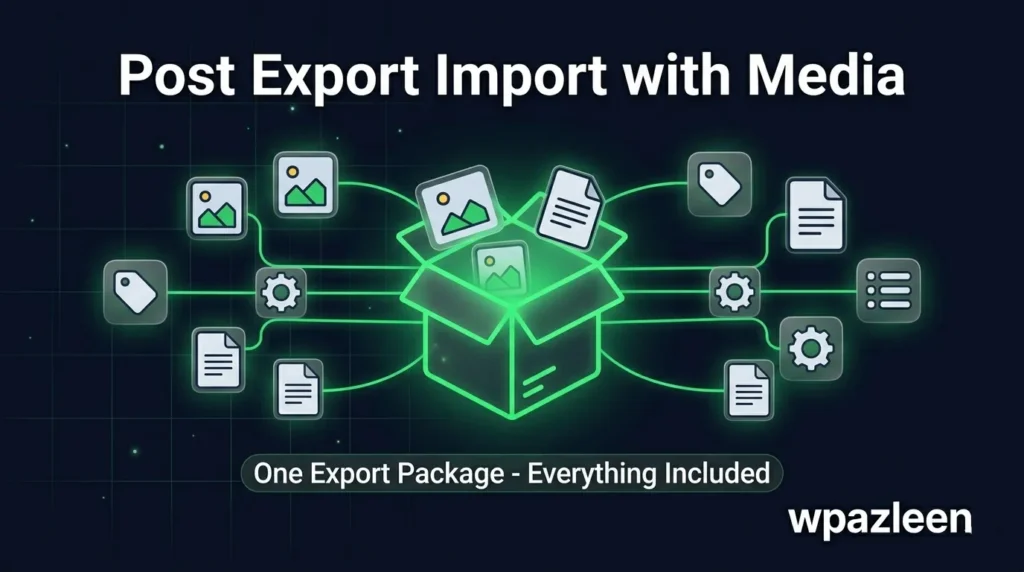
At its core, it’s a WordPress export import plugin with media bundling – meaning it exports your posts and images together into a single package rather than relying on the destination site to re-fetch images from the source domain. This one design decision eliminates the biggest pain point in WordPress content migration.
“The export was done immediately and the import took less than 30 seconds. Each post was copied over perfectly!” – Verified user, WordPress.org reviews
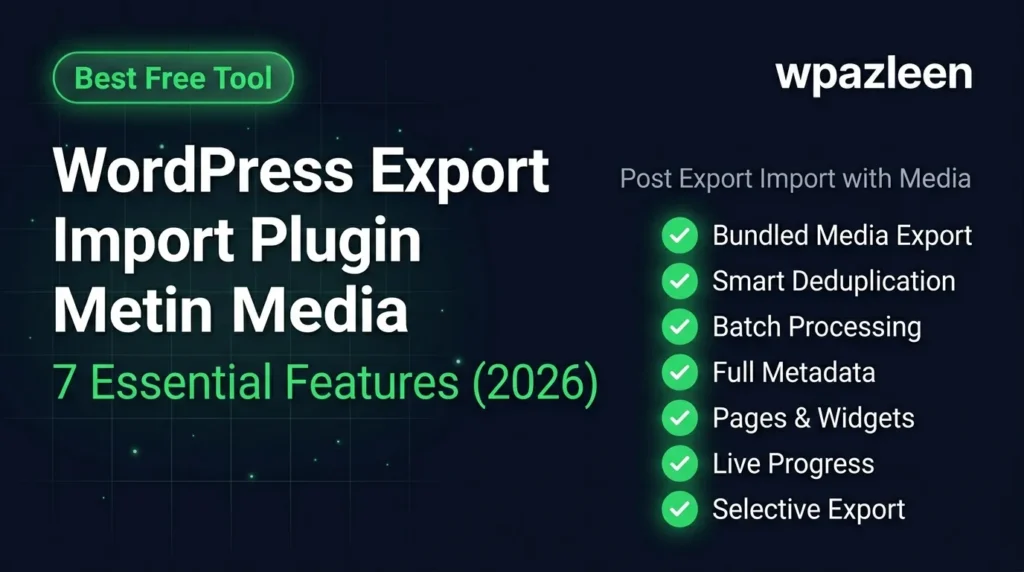
7 Essential Features of This WordPress Export Import Plugin with Media
1. Bundled Media Export
This is the standout feature that separates Post Export Import with Media from every other WordPress export import plugin with media in its category. When you trigger an export, the plugin doesn’t just create a file with URLs pointing to your images. It downloads and packages the actual image files into the export bundle. When the JSON package arrives on the destination site, the images are already there – no fetching, no re-downloading, no broken references.
2. Smart Deduplication Engine
If you’re running partial migrations – moving a batch of posts today and another batch next week – you’ll inevitably have some images that already exist on the destination site. The smart deduplication engine checks each file before importing it. If the file already exists (matched by name and size), the plugin reuses the existing file instead of creating a duplicate. Your media library stays clean and your storage stays efficient.
3. Batch Processing for High-Volume Sites
Large sites need a WordPress export import plugin with media that doesn’t crash on volume. Post Export Import with Media uses intelligent batch processing – you set the batch size (10 to 1,000 items per batch) and the plugin processes your content in controlled chunks. Memory usage stays within PHP limits, server timeouts are avoided, and real-time progress keeps you informed throughout. This makes it practical for sites with thousands of posts and a large media library.
4. Full Post Metadata Preservation
When you export posts with this WordPress export import plugin with media, you get everything – not just the post body. The export includes post categories and tags, custom fields (including SEO plugin data from Yoast and RankMath), post author, publish date and status, post parent relationships for hierarchical content, featured image assignments, and comments. Nothing is left behind on the source site.
5. Pages, Widgets, and Menu Migration
Beyond posts, this plugin handles full site structure migration. You can export WordPress pages with their full template and parent-child hierarchy, complete widget configurations with all settings preserved, navigation menu structures, WordPress site settings across 7 categories, and theme and plugin ZIP files. This makes it a genuinely comprehensive WordPress export import plugin with media – not just a post mover.
6. Real-Time Progress Dashboard
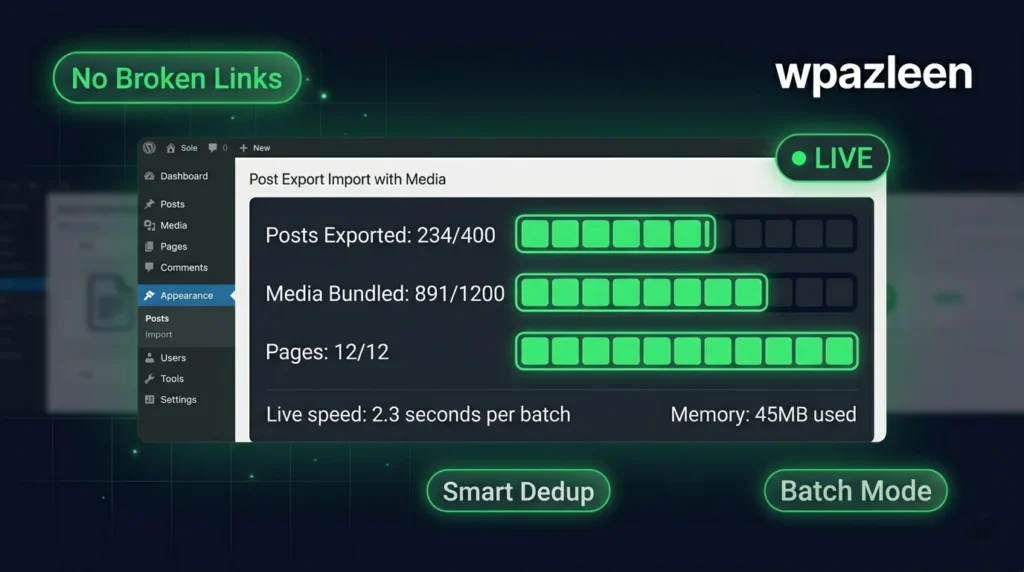
One of the most frustrating things about migration tools is the black box – you click Export, a spinner runs for 10 minutes, and you have no idea whether it’s working or hanging. Post Export Import with Media shows a live dashboard during export and import: posts processed, media files packaged, pages migrated, current speed, memory usage, and any errors. You know exactly what’s happening at every step.
7. Selective Export Controls
Unlike tools that require you to move an entire WordPress site, this plugin gives you granular control. Export all posts, or filter by date range, category, tag, or post status. Export pages only, or posts only, or both. Export media attachments selectively. This selective approach is ideal for content agencies syndicating specific topics across multiple sites, developers moving a category of posts to a new property, and anyone who needs partial migrations rather than full-site moves.
How to Install and Use This WordPress Export Import Plugin with Media
Getting started takes less than 5 minutes:
- Go to Plugins > Add New in your WordPress admin and search for “Post Export Import with Media”
- Install and activate on your source site (the site you’re exporting FROM)
- Install and activate on your destination site (the site you’re importing TO)
- On the source site, open the plugin dashboard and select your export scope (all posts, filtered, or specific items)
- Enable Include Media Files and configure batch size based on your server’s capacity
- Click Export and watch the real-time progress tracker
- Download the JSON export package when complete
- On the destination site, open the Import tab and upload your package
- Run the import and verify your content on the front end
For a detailed walkthrough with screenshots, visit the WPAzleen documentation.
Free vs. Pro: What Do You Get?
The free version of this WordPress export import plugin with media handles the full export-import workflow including media bundling, batch processing, metadata preservation, and the real-time dashboard. For most individual bloggers and small site owners, the free version is everything you need.
The Pro tier adds:
- Scheduled automated exports – Daily, weekly, or monthly exports on autopilot
- Cloud storage integration – Direct sync to Dropbox, Google Drive, and Amazon S3
- Email notifications – Get alerted when scheduled exports complete or fail
- Priority support – Direct access to the WPAzleen support team
See the full pricing page to compare plans. A 14-day money-back guarantee applies to all paid plans.
Frequently Asked Questions
Is this WordPress export import plugin with media actually free?
Yes. The core functionality – including media bundling, batch processing, and full metadata export – is completely free on WordPress.org. No file size limits and no credit card required. Pro features are available in paid plans for users who need scheduling and cloud integration.
Does it work with WooCommerce product images?
The plugin exports WordPress post types including WooCommerce products. Product images are handled through the same media bundling system. For a full WooCommerce store migration including orders, customers, and settings, check the WPAzleen documentation for WooCommerce-specific guidance.
How large a site can this handle?
Sites with thousands of posts and a large media library are supported through the configurable batch processing system. The plugin was designed to handle high-volume migrations on standard shared hosting – not just developer VPS environments.
What file format does it use for exports?
Exports are packaged as JSON files that include both structured content data and bundled media files. This is different from WordPress’s native WXR/XML format, which is why the plugin requires installation on both the source and destination sites.
Does this WordPress export import plugin with media support PHP 8?
Yes. The plugin is compatible with current PHP versions and tested against the latest WordPress releases. Check the WordPress.org plugin page for the specific compatibility matrix.
Conclusion
If you’ve been searching for a WordPress export import plugin with media that actually works – handling images, featured thumbnails, metadata, and large site volumes without requiring an expensive premium subscription – Post Export Import with Media by WPAzleen is the answer. It’s free, purpose-built, actively maintained, and trusted by 600+ users with a perfect 5-star rating. The free version covers everything most users need, and the Pro plan adds scheduling and cloud backup for those running professional WordPress operations. Download it free from WordPress.org today and move your first migration in under 30 minutes.









Leave a Comment
Your email address will not be published. Required fields are marked *