
Table of Contents
Have you ever spent hours rebuilding Custom Post Types and ACF fields from scratch after migrating a WordPress site – only to realize you missed half the taxonomies and meta fields? You’re not alone. CPT ACF export import has been one of the most requested features in the WordPress migration community, and with the release of Post Export Import with Media v1.6.0, it’s finally here – fully built-in, reliable, and beginner-friendly. This guide walks you through everything new in this landmark release.
What Is CPT & ACF Export Import – and Why Does It Matter?
Custom Post Types (CPTs) are the backbone of modern WordPress websites. Whether you’re running a real estate portal with property listings, a portfolio site with project entries, or a WooCommerce store with custom product types – CPTs hold your most important content. Advanced Custom Fields (ACF) sits on top of that, storing structured metadata like prices, addresses, ratings, dates, and more.
The problem? WordPress’s built-in exporter completely ignores registered CPTs and ACF fields. When you migrate a site using the default tools, you’re left with broken content structures, missing meta values, and orphaned taxonomies. A proper CPT ACF export import solution fills that gap – and that’s exactly what Post Export Import with Media v1.6.0 now delivers.
What’s New in v1.6.0 – CPT ACF Export Import Features Explained
Released on April 18, 2026, version 1.6.0 introduces two major additions that transform how WordPress developers handle complex site migrations. Here’s a breakdown of every new capability.
1. Full Custom Post Type (CPT) Export & Import
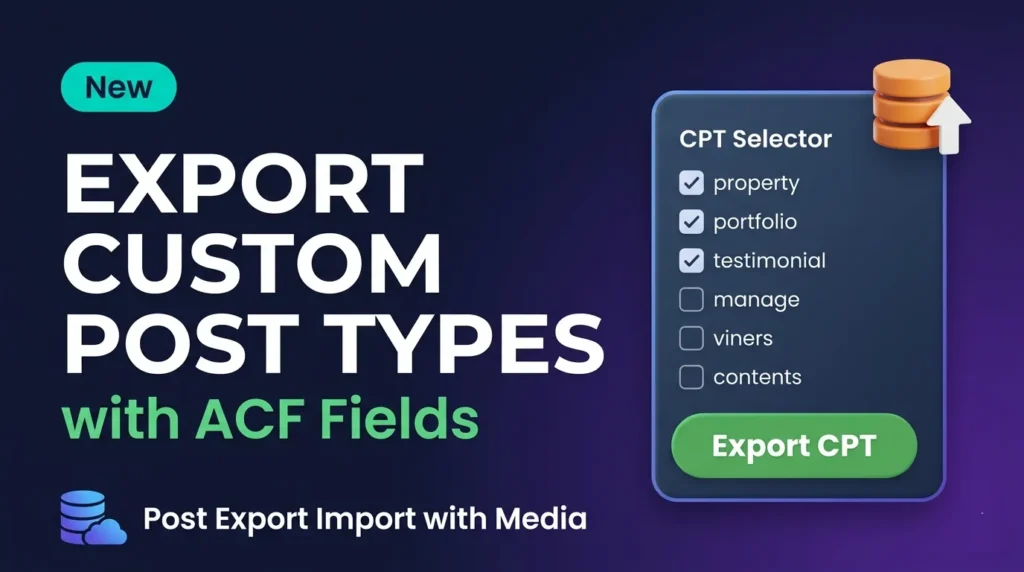
The plugin now detects every registered non-built-in public Custom Post Type on your site automatically. You can browse a list of all available CPTs – complete with post counts – choose which ones to export, and the plugin handles the rest. On the receiving site, importing a CPT package recreates all posts under the correct post type, preserving their structure, status, and relationships. Whether you’re working with property, portfolio, testimonial, or any other CPT, the transfer is seamless.
2. Advanced Custom Fields (ACF) Full Export Support
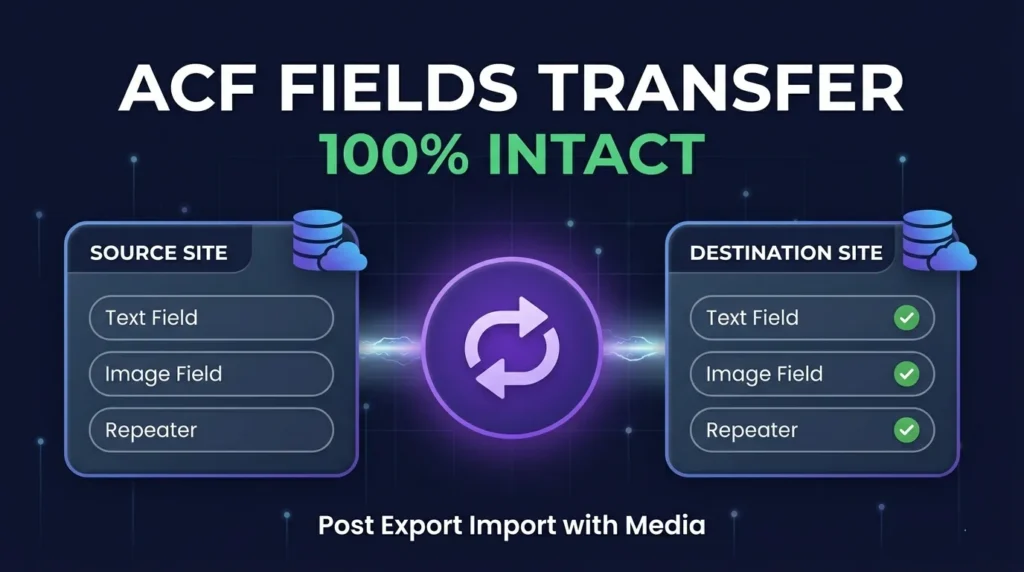
CPT ACF export import goes beyond just moving post content. Every ACF field group associated with a post type is now exported alongside the content itself. This includes text fields, image fields, repeater fields, relationship fields, and complex nested field groups. When imported, ACF values are restored to their exact original state – no manual re-entry required. This alone saves hours of work on complex site migrations.
3. Custom ACF Taxonomy Export & Import
ACF taxonomy fields are notoriously difficult to migrate because they reference term IDs that differ between sites. v1.6.0 solves this by exporting taxonomy term slugs and names alongside the field values, then intelligently remapping them on import. Your content ends up correctly categorized on the destination site – even if the term IDs are completely different.
4. Meta Fields for Posts – Deep ACF Integration
Beyond ACF, the plugin now captures all post meta fields registered by ACF – including hidden internal keys used by ACF to track field references. This means the full ACF field structure is intact on the target site, not just the raw values. Fields render correctly in ACF-powered templates and Gutenberg blocks without any reconfiguration.
5. Selective CPT Export with Batch Processing
You don’t have to export an entire CPT at once. The new selective export interface lets you preview all posts within a CPT, search by title, and hand-pick exactly which entries to include. For large CPTs with thousands of entries, the built-in batch processing engine handles the workload in configurable chunks – eliminating PHP timeout errors on shared hosting environments.
How to Use CPT ACF Export Import in Post Export Import with Media
Getting started with the new CPT ACF export import feature takes just a few minutes. Here’s the step-by-step process:
- Install or update Post Export Import with Media to v1.6.0 on both your source and destination WordPress sites.
- Navigate to the CPT & ACF tab in the plugin’s admin dashboard on your source site.
- Browse the CPT list – the plugin automatically detects all registered public Custom Post Types along with their post counts.
- Select your CPT(s) to export. Use the selective picker to choose specific posts, or export the entire post type at once.
- Click Export – the plugin packages all posts, ACF fields, ACF taxonomy terms, post meta, and attached media into a single export file.
- Go to your destination site, upload the export file through the import panel, preview the incoming content, and click Import.
- Watch real-time progress as each post and its associated ACF data is restored, with detailed logs showing success, warnings, and any skipped entries.
Who Benefits from CPT ACF Export Import?
The new CPT ACF export import support opens the plugin to a much wider range of use cases and user types.
WordPress Developers & Agencies
Agencies building custom post type-heavy sites can now clone production environments to staging with one click. No more manually recreating CPT content or losing ACF field values in the process. This is a massive time saver when handing off completed sites to clients or spinning up QA environments.
WooCommerce & E-Commerce Sites
Many WooCommerce setups rely heavily on ACF for product custom fields – specifications, certifications, sizing charts, and more. With full ACF meta export support, migrating a WooCommerce store preserves all product metadata intact.
Real Estate & Directory Sites
Property listing plugins and directory themes use CPTs extensively. The ability to export a property CPT with all ACF location data, pricing, amenities, and gallery fields means real estate sites can be migrated without losing a single data point.
Multisite & Content Syndication
Need to push custom post type content from one site in a network to another? The CPT ACF export import workflow makes it trivial to syndicate structured content across multiple WordPress installations while keeping ACF data perfectly aligned.
If you’re also migrating standard posts and pages, check out our guide on how to migrate WordPress posts with all media files for the full picture.
CPT ACF Export Import vs Default WordPress Exporter
It’s worth being direct: the default WordPress XML exporter handles CPTs poorly and completely ignores ACF field data. Here’s a quick comparison:
| Feature | WordPress Default Exporter | Post Export Import with Media v1.6.0 |
|---|---|---|
| Custom Post Types | Partial (no field groups) | ✅ Full support |
| ACF Fields | ❌ Not supported | ✅ Full export & import |
| ACF Taxonomies | ❌ Not supported | ✅ With term remapping |
| Post Meta | Partial | ✅ Complete including ACF keys |
| Attached Media | ❌ Links break | ✅ Full media transfer |
| Selective Export | ❌ | ✅ Per-post picker |
| Batch Processing | ❌ | ✅ Configurable chunks |
| Progress Tracking | ❌ | ✅ Real-time logs |
The gap is significant. For any site using ACF or custom post types, the default exporter simply isn’t a viable option for complete migrations. ACF’s own documentation acknowledges that field data migration requires custom tooling – and that’s exactly what v1.6.0 provides out of the box.
For deeper context on WordPress migration best practices, our complete WordPress migration checklist is a great companion resource.
Frequently Asked Questions About CPT ACF Export Import
Does it work with all ACF field types?
Yes. The CPT ACF export import system captures all registered ACF field values stored in WordPress post meta, which covers the full range of ACF field types – text, image, gallery, repeater, flexible content, relationship, taxonomy, and more. As long as ACF stores the value in post meta (which it does for all standard field types), the plugin exports and imports it correctly.
Do I need ACF installed on the destination site?
Yes. The destination site needs to have ACF (free or Pro) installed and the same field groups registered for imported ACF values to render correctly. The plugin imports the raw meta values; ACF on the destination site handles displaying them through your templates.
What happens if the CPT doesn’t exist on the destination site?
The plugin will import the posts but flag them in the log. It’s best practice to ensure the Custom Post Type is registered on the destination site before importing. Most developers handle this by importing the theme or plugin that registers the CPT first.
Can I use this for large sites with thousands of CPT posts?
Absolutely. The batch processing engine is specifically designed for large datasets. You can configure the batch chunk size in the plugin settings to match your server’s memory limits, preventing timeouts on shared hosting environments.
Is the CPT ACF export import feature free?
The full CPT & ACF Export/Import admin interface is part of the Pro functionality. The public flatten and import methods for ACF fields on standard posts are available in the free version as of v1.5.0+. Check the plugin’s WordPress.org listing for the most current feature breakdown.
Conclusion: v1.6.0 Makes CPT ACF Export Import Finally Effortless
For years, migrating WordPress sites with Custom Post Types and Advanced Custom Fields meant painful manual work or expensive custom scripts. Post Export Import with Media v1.6.0 changes that completely. With native CPT ACF export import support, full ACF taxonomy handling, deep meta field capture, and a selective batch-ready export interface, this release is the most significant update to the plugin since its launch.
Whether you’re a solo developer moving a client site or an agency managing dozens of WordPress installs, v1.6.0 gives you the tools to migrate complex, ACF-powered CPT content reliably and quickly. Download the plugin from WordPress.org and try the new CPT ACF export import features today.









Leave a Comment
Your email address will not be published. Required fields are marked *