

Table of Contents
Two years ago I took over a high-volume WooCommerce store selling specialty coffee equipment. Logging into the backend for the first time, my jaw dropped: the previous owner had installed 14 separate plugins just to run day-to-day admin. That chaos is exactly why store owners go looking for a single woocommerce all in one dashboard plugin — one interface for products, orders, invoicing, customers, and analytics instead of a dozen disconnected screens. In this comparison, we put the two leading free options, Shop Explorer and BrikPanel, side by side.
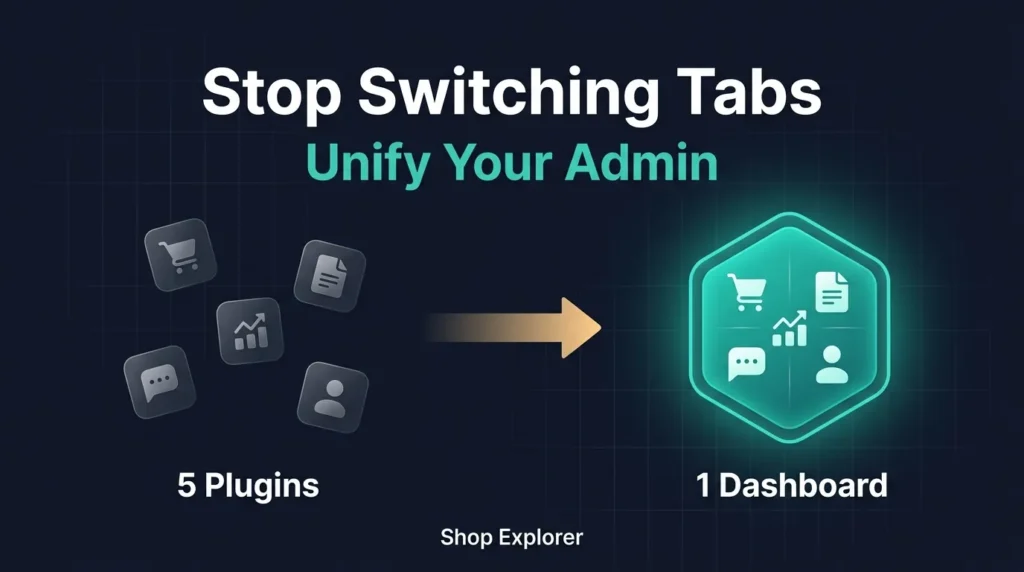
Why Plugin Bloat Hurts Your WooCommerce Admin
Before comparing dashboards, it’s worth understanding why running many single-purpose plugins slows a store down:
- Resource Contention — each admin plugin enqueues its own JS, CSS, and AJAX endpoints, eating memory every time you navigate wp-admin.
- Database Overhead — separate plugins create separate options tables and transients, increasing query counts on routine tasks.
- Interface Fragmentation — managers click through five sidebar menus just to fulfill one order, check history, and print an invoice.
- Higher Risk of Incompatibility — updating one plugin can quietly break another, sometimes during a busy sale.
A genuine woocommerce all in one dashboard plugin solves this by consolidating core store functions into a single React SPA inside WordPress.
Shop Explorer vs BrikPanel: Direct Comparison
| Feature | Shop Explorer | BrikPanel | Advantage |
|---|---|---|---|
| Bulk Product Editor | Full Catalog & Variations | Included Free | Tie |
| PDF Invoice Generator | 6 Templates (mPDF) | Separate Addon | Shop Explorer |
| Customer CRM & Tagging | Automatic Rules & CLV | Basic List | Shop Explorer |
| Expense Tracking | Built in Manager | Not Included | Shop Explorer |
| AI Content Generation | Gemini, OpenAI, Claude | Not Included | Shop Explorer |
| Abandoned Cart Recovery | Interaction Tracking | Built in Recovery | BrikPanel |
| Google Sheets Sync | Via CSV Export | Native Live Sync | BrikPanel |
Where Shop Explorer Excels as an All in One Dashboard
Shop Explorer is built as a complete admin replacement. Beyond bulk editing, it includes a full mPDF invoice engine with 6 templates, automatic email attachments, and customer downloads from the WooCommerce My Account page — see our full PDF invoicing walkthrough here.
For customer management, it automatically tags customers as VIP Spender, At Risk, or Frequent Buyer, and tracks Customer Lifetime Value per account. Where it really separates itself as a woocommerce all in one dashboard plugin is AI: connect your own key from Google Gemini, OpenAI, Anthropic Claude, DeepSeek, or OpenRouter for an AI Content Generator, an AI Revenue Analysis panel, and an Ask Anything chat assistant that answers natural-language questions about your store data.
BrikPanel: The Recovery and Spreadsheet Specialist
BrikPanel is a solid free dashboard focused on cart recovery and spreadsheet sync. Its abandoned cart tracking paired with native Google Sheets API synchronization makes it attractive if two-way spreadsheet sync is your priority. It lacks mPDF invoicing, expense tracking, and AI tooling in the free tier.
Real World Scenario: Processing an International Order
An international buyer requests a shipping address change, a custom VAT invoice, and a quick price adjustment on a wholesale item. With three separate plugins, that’s 6–8 minutes across three admin pages. With a unified woocommerce all in one dashboard plugin like Shop Explorer, it’s under 90 seconds: update the address inline in the order drawer, click Generate Invoice, then switch tabs (not plugins) to adjust the price.

Frequently Asked Questions
Does an all in one dashboard plugin slow down my storefront?
No, if it runs strictly inside wp-admin as an SPA. Shop Explorer loads zero frontend assets on public store pages.
Can I use my own AI API key for free?
Yes. Shop Explorer doesn’t mark up API costs — you enter your own key from Gemini, OpenAI, or another provider and pay only your direct usage fees.
Is a woocommerce all in one dashboard plugin compatible with HPOS?
Shop Explorer is built following modern WooCommerce High-Performance Order Storage standards and works with both HPOS and traditional database structures.
Conclusion
If you’re picking a woocommerce all in one dashboard plugin, the decision comes down to what you value more: Shop Explorer’s invoicing, CRM, and AI depth, or BrikPanel’s native cart recovery and spreadsheet sync. For most growing stores drowning in plugin bloat, consolidating into one dashboard is the bigger win. Install Shop Explorer free from WordPress.org and replace five plugins with one.









Leave a Comment
Your email address will not be published. Required fields are marked *