
Today, we’re going to explore ‘Free woocommerce pdf invoice generator’ using Shop Explorer. A client emailed our agency last month asking a simple question: “Why am I paying $9 a month just so customers can download a PDF invoice?” She had been running a mid size WooCommerce store for two years, dutifully renewing a premium invoicing plugin subscription the whole time, because she assumed automated, branded PDF invoices were a paid only feature in WordPress.
They aren’t. And if you are still manually converting orders to invoices in a spreadsheet, or paying a recurring fee for basic PDF generation, you are solving a problem that a free woocommerce pdf invoice generator already solves natively.
This guide walks through why WooCommerce doesn’t generate real invoices out of the box, what a compliant invoice actually needs to contain, and how to set up automatic, branded, tax ready PDF invoicing without adding a paid plugin to your stack.
Why WooCommerce Doesn’t Generate free woocommerce pdf invoice generator by Default
WooCommerce order emails are receipts, not invoices. They confirm a purchase but typically lack the structured fields accountants and tax authorities expect.
- No Tax ID or VAT Fields: Default order emails rarely expose your business tax identification number or the customer’s VAT number for B2B sales.
- No Sequential Invoice Numbering: Many jurisdictions require invoices to use a continuous, non repeating numbering sequence. WooCommerce order IDs don’t guarantee this on their own.
- No Downloadable Document Trail: Customers can’t easily re download a formal PDF later for expense reporting or bookkeeping without digging through email.
- No Brand Presentation: A plain HTML email doesn’t carry your logo, company address, or legal footer the way a real invoice document should.
This gap is exactly why a dedicated free woocommerce pdf invoice generator matters for any store selling to businesses, freelancers, or tax conscious consumers.
What a Compliant, Professional Invoice Actually Needs
Before picking a tool, it helps to know what fields separate a receipt from a real invoice.
1. Business & Tax Identity
Company name, address, tax or VAT ID, and contact details should be clearly printed on the invoice.
2. Sequential Invoice Numbering
Each invoice should have a unique, incrementing invoice number such as INV-1042, separate from the internal WooCommerce order ID.
3. Itemized Line Items with Tax Breakdown
Professional invoices should show SKU, product name, quantity, unit price, applicable tax rate, and line total rather than only showing a basic order summary.
4. Discounts and Shipping Shown Separately
Coupons and shipping fees should be displayed as their own lines instead of being silently folded into the final total.
5. Automated Delivery
The invoice should automatically attach itself to the relevant WooCommerce transactional email and remain available for customers to download later from their account.
How Shop Explorer Generates Free WooCommerce PDF Invoices
Shop Explorer includes a full mPDF powered invoicing engine as a core module, not an upsell. Here’s what ships in the free plugin.
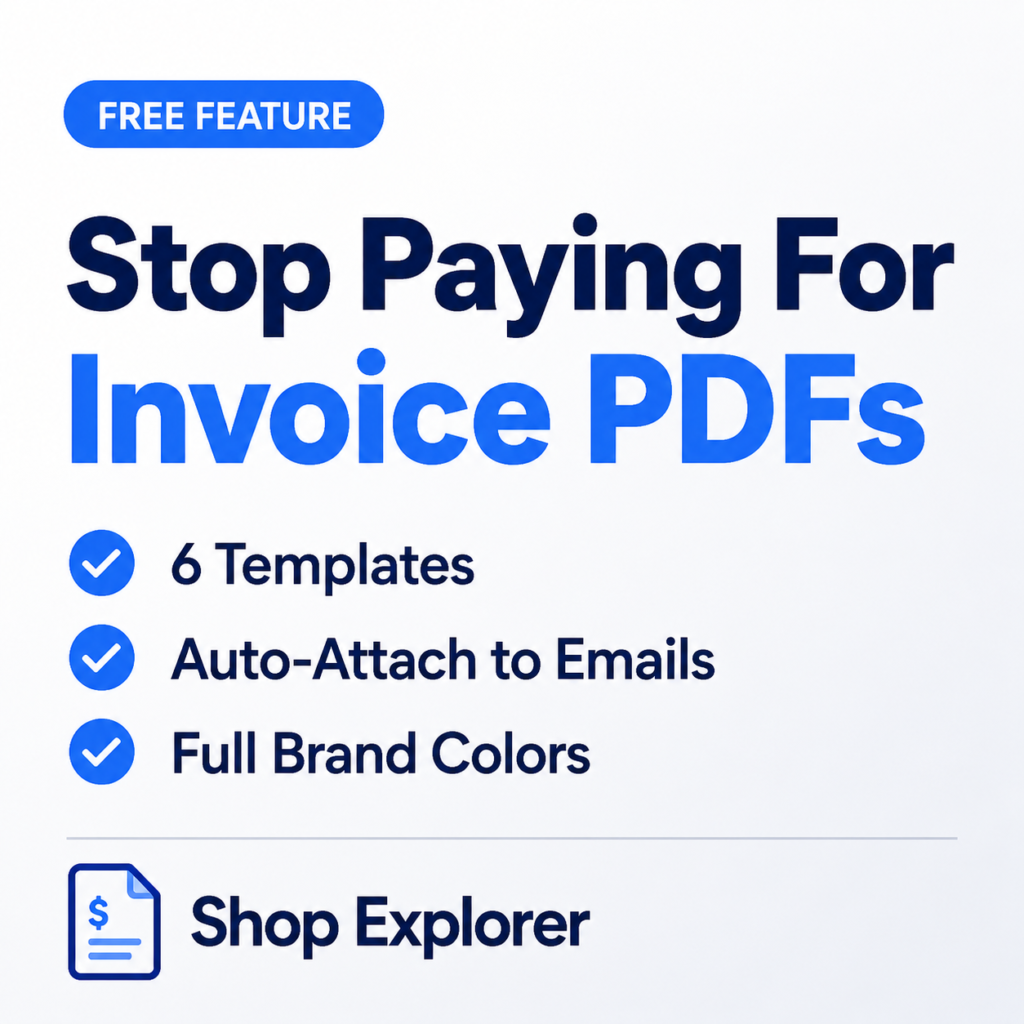
- 6 Ready Made Templates: Minimal, Modern, Classic, Corporate, Premium, and Elegant. These cover everything from lightweight B2C receipts to formal B2B invoices.
- Full Brand Customization: Upload your logo, set company name, tagline, address, tax ID, phone, email, website, legal footer, and choose custom primary and accent colors per template.
- Toggleable Sections: Show or hide SKU, product images, attributes, tax breakdown, discounts, shipping rows, customer notes, and payment method so each template only shows what’s relevant.
- Status Based Automation: Automatically generate the PDF when an order reaches a configurable status such as Processing or Completed, then automatically attach it to the corresponding WooCommerce customer email.
- Customer Self Download: Customers can download their own invoice PDF later from the WooCommerce My Account page without contacting support.
- Cached Rendering: Generated PDFs are cached in the uploads directory and only re rendered when the order or template settings actually change, helping keep invoice generation fast even at volume.
Comparison: Paid Invoicing Add Ons vs Shop Explorer
| Capability | Typical Paid Invoicing Plugin | Shop Explorer Invoicing |
|---|---|---|
| PDF Invoice Generation | Often requires a paid plan | Included free |
| Monthly or Yearly Fee | Often required for PDF and branding | None |
| Template Choice | 1 to 2 templates on entry tier | 6 templates included |
| Logo and Color Branding | Usually a paid upgrade | Included free |
| Auto Attach to Emails | Sometimes gated | Included free |
| Customer Self Download | Rarely available on free tiers | Included free |
| Tax and VAT Fields | Add on may be required | Native fields |
| Bulk Editing and CRM | Separate plugin may be needed | Runs alongside Shop Explorer tools |
Step by Step Guide: Setting Up Free PDF Invoices
Step 1: Open Invoice Settings
In wp-admin, go to Shop Explorer > Settings > Invoice Settings.
Step 2: Choose a Template
Pick from Minimal, Modern, Classic, Corporate, Premium, or Elegant based on your brand tone. Corporate and Classic work well for B2B sellers, while Minimal and Modern are a strong fit for consumer brands.
Step 3: Add Your Business Details
Upload your logo and fill in your company name, tagline, address, tax ID, phone, email, website, and legal footer text.
Step 4: Set Colors and Invoice Prefix
Choose your primary and accent hex colors to match your brand, then set your invoice number prefix. For example, INV-.
Step 5: Turn On Automation
Enable automatic PDF generation for your preferred order status and enable automatic attachment to customer transactional emails.
Step 6: Test on a Live Order
Place a test order, move it to the trigger status, and confirm that the PDF attaches correctly and downloads cleanly from the customer’s My Account page.
Frequently Asked Questions
Is Shop Explorer’s PDF invoicing really free, or is it a limited trial?
It’s included in the free plugin as a core module. All 6 templates, branding, automation, and customer downloads are available without a paid tier.
Can I use this for B2B invoices that require a tax or VAT ID?
Yes. The invoice settings include dedicated tax ID fields for your business, and line item tax breakdown can be enabled per template.
Will old orders get invoices automatically, or only new ones?
Automation applies going forward once you enable it. You can still manually generate a PDF for existing past orders from the order screen.
Does generating PDF invoices slow down my site?
No. PDFs are rendered by mPDF on the server and cached in the uploads directory. They are only regenerated when order details or invoice settings change, helping avoid unnecessary repeated rendering.
Stop Paying Monthly for WooCommerce PDF Invoices
You shouldn’t need another recurring subscription just to generate professional PDF invoices for your WooCommerce store.
Shop Explorer brings branded PDF invoices, multiple templates, tax fields, automatic generation, email attachments, and customer downloads together in one free WooCommerce solution.
Learn WooCommerce AI Analytics Plugin: Turn Sales Data Into Profit: link
Read Documentation: link
Download free version: view
Stop paying monthly for invoice PDFs. Install Shop Explorer free from WordPress.org and start generating branded, tax ready invoices today.







Leave a Comment
Your email address will not be published. Required fields are marked *