
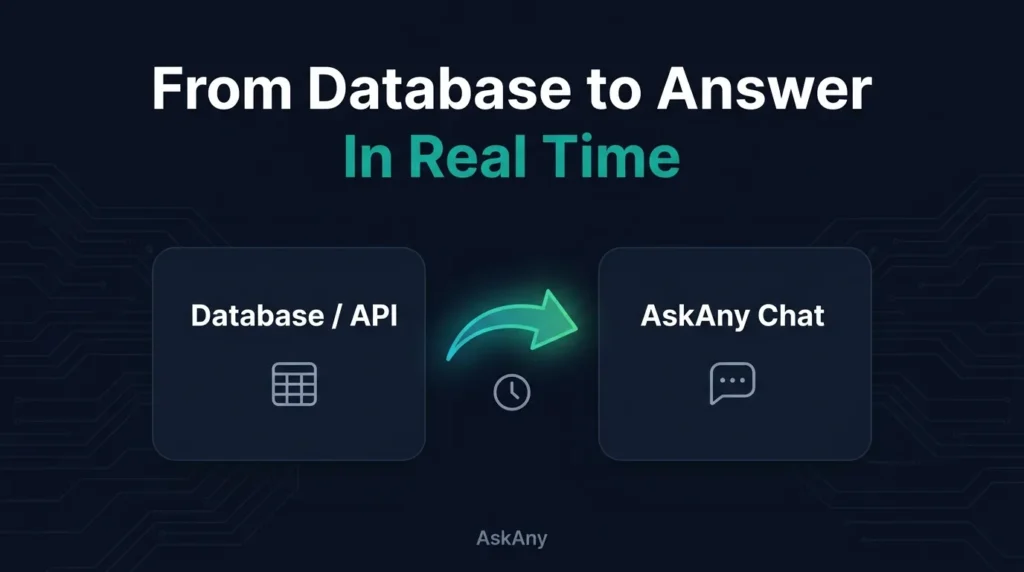
What if your WordPress AI assistant could answer questions using data that changes every hour – pricing, stock levels, availability – without you touching a settings page? That’s exactly what AI chatbot database integration makes possible, and it’s now live inside AskAny. Alongside it, we’ve shipped social sharing with Telegram bot support and fully custom AI prompts. Together, these three updates push AskAny from “smart FAQ widget” into something closer to a live interface for your WordPress data. Here’s what changed and why it matters.
What Is AI Chatbot Database Integration?
Most WordPress AI chatbots – including earlier versions of AskAny – answer questions from static content: pages, posts, PDFs, and manually written knowledge base entries. That works fine until the underlying facts change. A support agent updates pricing, warehouse stock shifts, or a booking slot fills up, and suddenly the chatbot is confidently wrong.
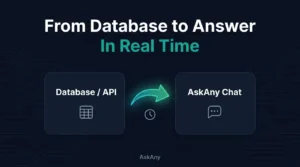
AI chatbot database integration solves this by letting AskAny read directly from your site’s database tables – or from external APIs cached into a database – as a live knowledge source. Instead of re-training or re-uploading documents every time something changes, you update the data once at the source, and AskAny’s next answer reflects it automatically.
This is a meaningful shift for anyone running a WooCommerce store, a booking system, or a business site where information has a shelf life measured in hours instead of months.
Key Features Behind AskAny’s AI Chatbot Database Integration
1. Custom Database Table Knowledge Sources
Admins can now point AskAny at specific database tables – a pricing table, a product catalog, an availability sheet – and the AI treats that data as part of its knowledge base. There’s no need to duplicate the information into a page or document; AskAny reads it where it already lives.
2. Live or Scheduled Fetch Modes
Every data source can run in one of two modes: a live fetch on each question (with a configurable cache window, such as one hour, to avoid hammering the database) or a scheduled daily pull into a backend table. Fast-moving data like live pricing suits live fetch; steadier data like a product catalog suits scheduled sync.
3. Cached API Data as a Knowledge Source
The same mechanism extends to third-party APIs. If your business data already lives in an external system, AskAny can cache API responses into a database table and answer questions from that cache, rather than requiring a brand-new custom integration for every provider.
4. Custom User Prompts
Alongside database integration, AskAny now lets admins define custom system prompts for the AI assistant. This controls tone, scope, and how the assistant should handle edge cases – for example, instructing it to always mention a support email when it can’t answer, or to stay strictly within pricing and shipping topics.
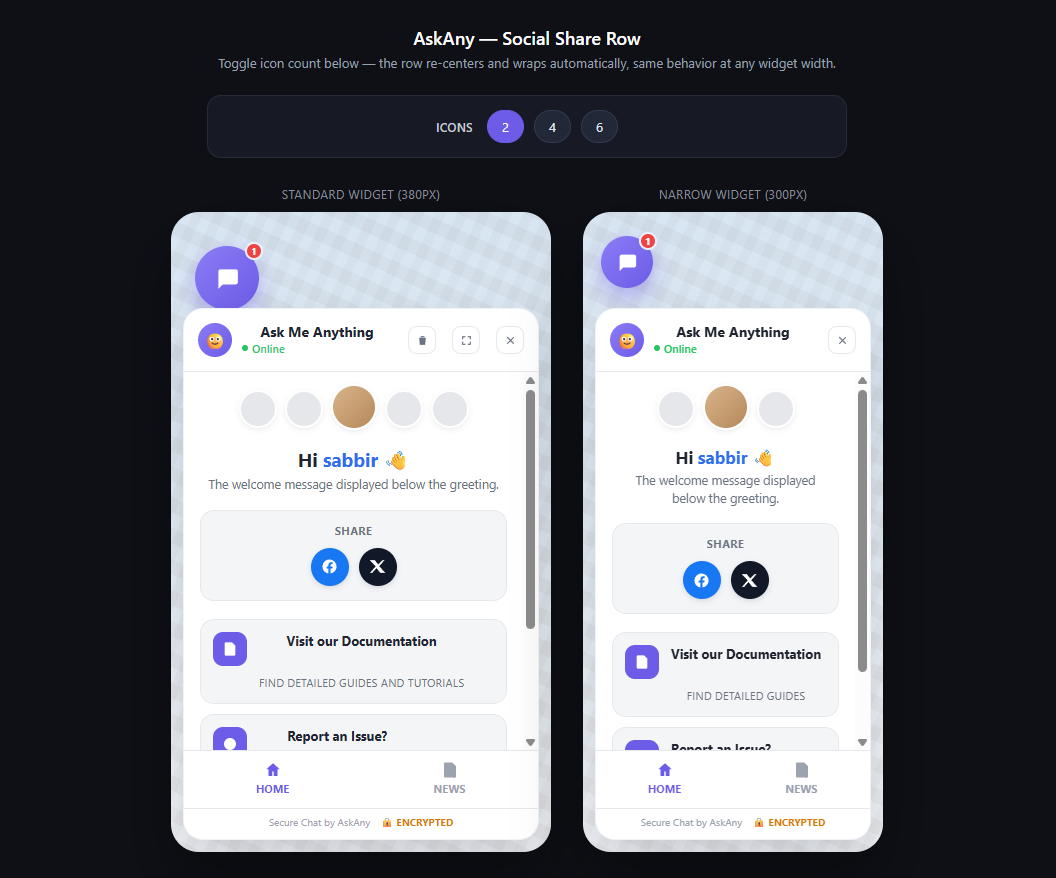
5. 20+ Social Sharing Platforms
The AskAny dashboard now supports sharing questions and answers to more than 20 platforms directly, including WhatsApp and Telegram, so useful answers can travel beyond the widget itself.
6. Telegram Bot Connection
This is more than a share button. You can connect a Telegram bot directly to AskAny, so users in your community or support channel can ask questions through Telegram and get answers powered by the same AskAny knowledge base – including the live database data described above.
How AI Chatbot Database Integration Works, Step by Step
- Open the AskAny dashboard and navigate to the new “Data Sources” section.
- Add a database table or API endpoint as a source, and give it a clear label (e.g. “Pricing Table”).
- Choose a fetch mode: live (per question, with a cache duration) or scheduled daily sync.
- Optionally write a custom prompt describing how the assistant should use this data.
- Save, then test with a real question your customers would ask – like “what’s the current price of X?”
- If you want Telegram support, connect your bot token from the Social Sharing settings and confirm the webhook is active.
Why AI Chatbot Database Integration Matters: Real Use Cases
The practical value shows up wherever your data changes faster than your content does:
- Live pricing: A store running seasonal or dynamic pricing can let AskAny quote current prices instead of stale numbers copied into a page.
- Product information: Specs, variants, and compatibility details stay accurate without manual re-syncing to a knowledge base.
- Inventory and availability: Customers can ask “is this in stock?” and get an answer sourced from the actual inventory table.
- Dynamic schedules: Booking or appointment sites can surface real open slots rather than a generic “contact us” reply.
- Support communities: Combined with the Telegram bot connection, a support Discord-style community or channel gets an AI assistant that answers from the same live business data as the website widget.
The combination of custom prompts, database knowledge, and social integrations turns AskAny into more than a website chatbot – it becomes an AI interface for your WordPress data and business workflows.
AI Chatbot Database Integration vs. Static Knowledge Bases
Most competing WordPress AI chatbot plugins still rely on document uploads, page scraping, or manual FAQ entry as their only knowledge source. That’s fine for content that rarely changes – an about page, a shipping policy – but it breaks down for numbers and statuses that shift daily. With AI chatbot database integration, AskAny separates “content that changes rarely” (still handled by page/document scraping) from “data that changes constantly” (handled by direct database or cached API reads), so you’re not forced to choose one strategy for everything on your site.
Pro tip: start with one high-value data source – usually pricing or inventory – before connecting several at once. It’s easier to verify accuracy on a single table than to debug five sources simultaneously.See the AskAny getting started guide for setup basics before adding custom data sources.
Frequently Asked Questions
Does AI chatbot database integration require coding?
No. Data sources are added through the AskAny dashboard UI. Advanced setups involving custom API authentication may need developer input, but standard database tables can be connected without writing code.
Is my database data sent to a third-party AI provider?
Only the specific data needed to answer a given question is included in the AI request, following the same data-handling approach AskAny already uses for page and document content.
Can I connect more than one database table?
Yes. You can add multiple data sources, each with its own label and fetch mode, so pricing, inventory, and schedules can all feed the same assistant.
What’s the difference between the Telegram share button and the Telegram bot connection?
The share button lets a visitor forward a single question or answer to Telegram. The bot connection is a full integration – users chat with your bot inside Telegram and get live answers from your AskAny knowledge base, including any connected database sources.
Conclusion
AI chatbot database integration, custom prompts, and expanded social sharing move AskAny past static FAQ answers and into real-time, data-aware conversations – whether that conversation happens on your website or inside a Telegram community. If your WordPress site has pricing, inventory, or schedules that change often, this is the update that finally lets your AI assistant keep up. Try AskAny and connect your first live data source today.








Leave a Comment
Your email address will not be published. Required fields are marked *