
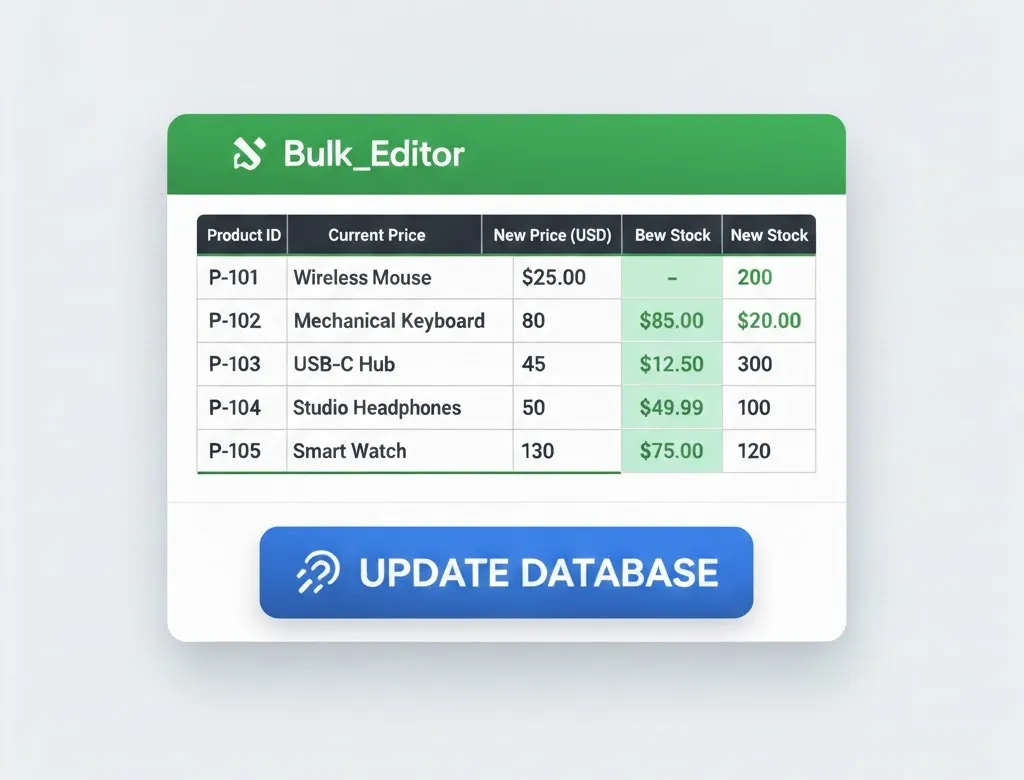
Managing a WooCommerce store becomes difficult as your product catalog grows. Updating prices, stock, categories, or order statuses one by one wastes time and default WooCommerce tools often fail when handling large datasets.
Shop Explorer provides a fast, safe, and scalable solution to bulk edit products for WooCommerce, even when you are managing thousands of products.
Table of Contents
Why Bulk Editing Products in WooCommerce Is Difficult
- Server timeouts during large bulk updates
- Memory exhaustion on shared or VPS hosting
- No visibility into bulk operation progress
- High risk of accidental mass changes
Shop Explorer eliminates these issues with optimized batch processing and real-time progress tracking.
Bulk Edit Optimization for WooCommerce Products (PRO)
Bulk Edit Optimization is a PRO feature in Shop Explorer built for high-volume WooCommerce stores. Instead of processing everything at once, it breaks large bulk operations into smaller, server-safe batches.
- Faster bulk product updates
- Automatic activation for large selections
- Real-time progress bar with percentage
- Protection from server crashes and timeouts
- Unlimited scalability for large product catalogs
How to Safely Bulk Edit Products for WooCommerce
Shop Explorer provides powerful bulk operations with built-in safety checks to prevent costly mistakes.
- Bulk price updates (fixed or percentage-based)
- Bulk stock quantity updates
- Bulk product status changes
- Bulk category and tag assignment
- Featured product toggle
Before applying updates, Shop Explorer displays a clear summary of the affected products. Once confirmed, the update runs using optimized batch processing with a real-time progress bar.
Advanced Product Filtering for Precision Control
Advanced filters allow you to bulk edit only the products you want.
- Search by product name, SKU, or description
- Filter by stock status and quantity
- Filter by price range
- Filter by product type
- Filter featured or on-sale products
Export WooCommerce Products, Orders, and Customers (PRO)
Shop Explorer includes CSV export tools that respect your filters and selections.
- Export products with prices, stock, categories, and variations
- Export orders with customer and payment details
- Export customers with lifetime value and order history
WooCommerce Analytics That Drive Decisions
Shop Explorer includes a modern WooCommerce analytics dashboard with real-time insights.
- Revenue and order trends
- Top-selling products
- Customer behavior insights
- Incomplete orders and cart tracking
Frontend Dashboard for Product and Order Management
The frontend dashboard lets you manage WooCommerce without accessing wp-admin.
- Mobile-friendly interface
- Role-based access control
- Fast workflows for vendors and teams
- Clean and modern UI
Who Should Use Shop Explorer?
- Stores with large WooCommerce catalogs
- Businesses running frequent bulk price updates
- Teams managing inventory at scale
- Store owners who need speed and safety
Final Thoughts
If you want a reliable way to bulk edit products for WooCommerce, Shop Explorer delivers speed, safety, and scalability. From optimized bulk operations to advanced analytics and frontend management, it is built for serious WooCommerce growth.
Helpful Resources
Frequently Asked Questions
What is the best way to bulk edit products for WooCommerce?
Using Shop Explorer is the best way to bulk edit products for WooCommerce. It provides batch optimization, advanced filtering, and real-time progress tracking.
Can I bulk edit WooCommerce products without server crashes?
Yes. Shop Explorer processes bulk edits in optimized batches to prevent server timeouts and memory issues.
Does Shop Explorer support bulk price and stock updates?
Yes. You can bulk update prices, stock quantities, stock status, categories, tags, and featured products.
Is Shop Explorer suitable for large WooCommerce stores?
Absolutely. Shop Explorer is built for stores with thousands of products and large-scale bulk operations.










Leave a Comment
Your email address will not be published. Required fields are marked *