
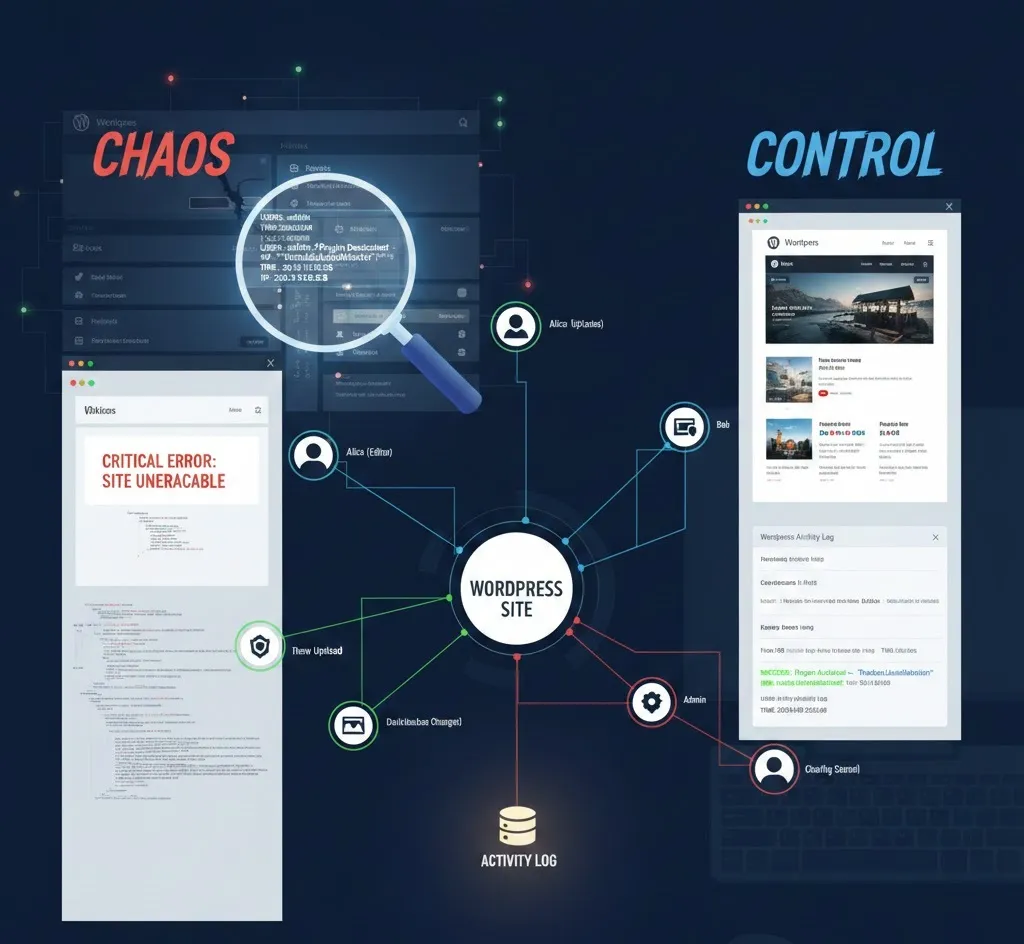
Activity Log in WordPress part 2 in WordPress when things actually go wrong?
In Part 1, we talked about stories your website tells in silence. In Part 2, we talk about the moment when that silence almost costs everything.
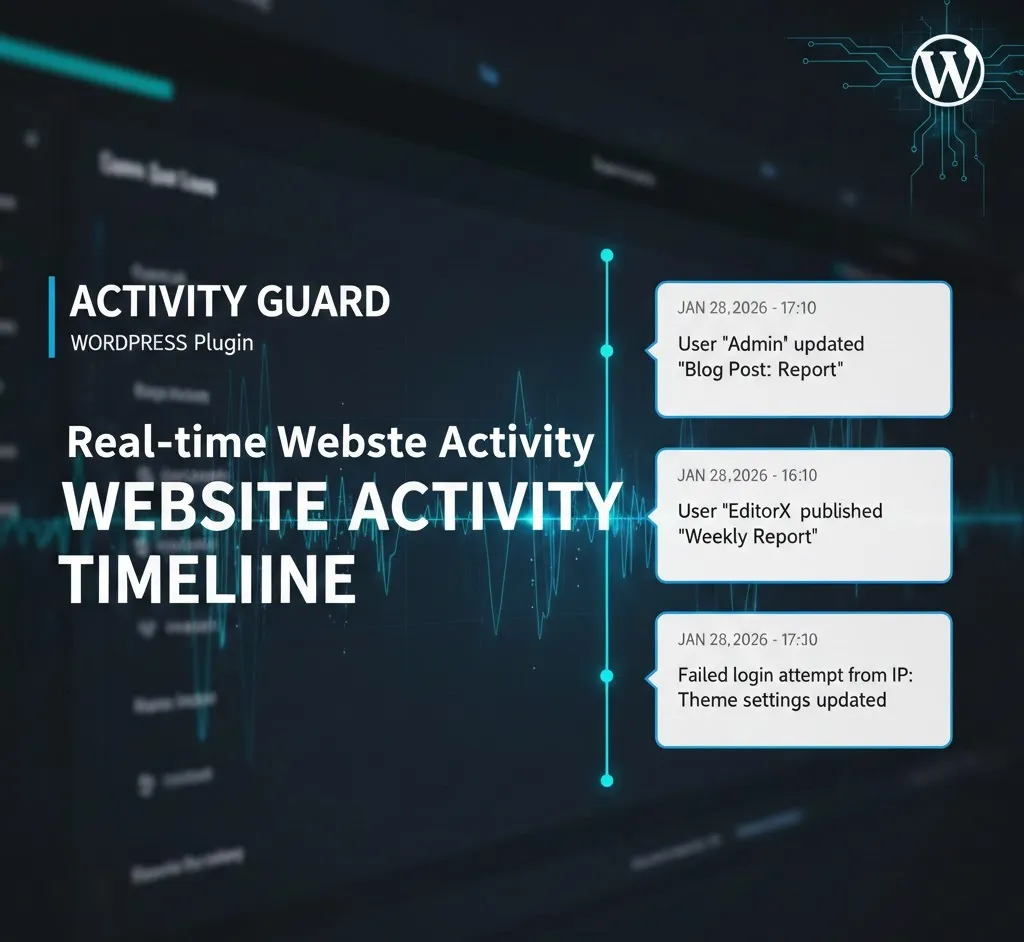
What Is Activity Log in WordPress part 2 explain During a Real Crisis?
Imagine this: orders stop coming in. The site is slow. Customers report strange redirects.
No warning. No error message. Just a feeling that something is very wrong.
This is when understanding what is activity log in WordPress stops being theory and becomes survival.
The Night Nobody Was Watching
It happened at 2:47 AM.
No admins were online. No updates were scheduled. No one touched the site.
But the activity log tells a different story:
- 02:47 AM – Failed login attempt (unknown IP)
- 02:48 AM – Failed login attempt (same IP)
- 02:49 AM – Admin login successful
- 02:50 AM – Plugin file modified
- 02:51 AM – Outgoing redirect detected
No panic. No guessing. Just a timeline.
This Is Why Activity Logs Matter
The biggest myth in WordPress security is believing attacks are loud.
Most attacks are quiet. They blend in. They look like normal admin activity.
What is activity log in WordPress? It is the only thing that notices when “normal” starts happening at very abnormal hours.
The Small Clues That Change Everything
The activity log doesn’t scream. It whispers.
- Logins at unusual times
- Plugins disabled without discussion
- Settings changed without tickets
- Repeated failed login attempts
One clue is easy to ignore. Together, they tell the whole truth.
A Real Fix, Not a Guess
Thanks to the activity log, the solution was clear:
- The compromised admin account was reset
- The suspicious IP was blocked
- The modified plugin was restored
- Passwords were rotated immediately
The site recovered- not because of luck, but because the facts were written down.
What Is Activity Log in WordPress for Teams?
When multiple people manage a site, memory fails.
The activity log doesn’t.
- Developers know what changed
- Editors know who published
- Owners know when something feels off
- No blame, only clarity
The Lesson Every Site Owner Learns Eventually
Every WordPress site will face a moment like this.
The difference is simple:
Some site owners ask “What happened?”
Others already know.
That knowledge comes from understanding what is activity log in WordPress – before the crisis begins.
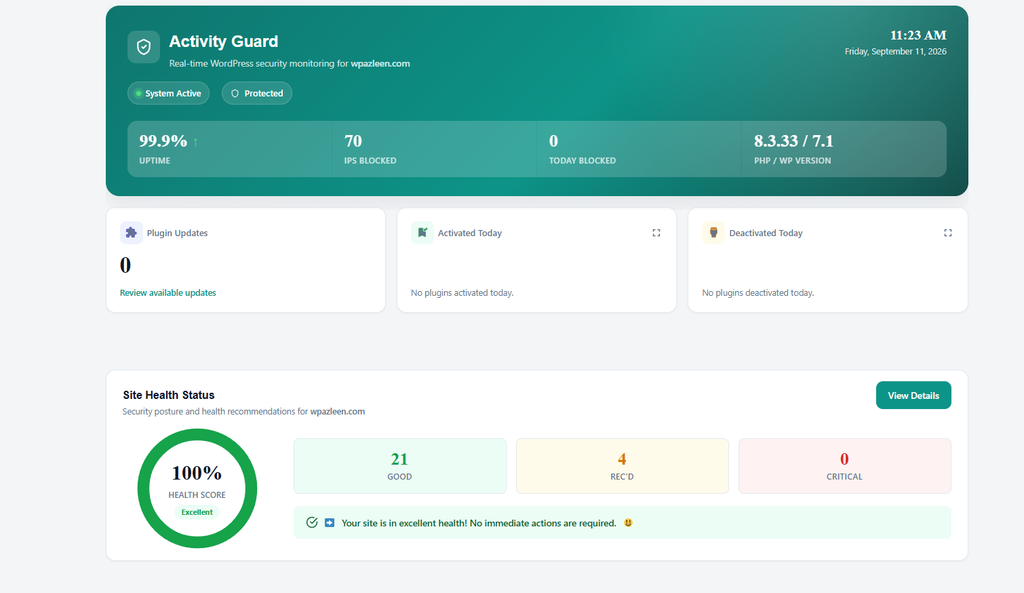
Continue Learning
- Read Activity Guard Documentation
- Get Support & Security Help
- View Plugin on WordPress.org
- WordPress Security Hardening Guide
Conclusion: Know What Happened Before You Try to Fix It
When something goes wrong on a WordPress website, the hardest part is often not fixing the problem. It is understanding what actually happened.
Was an administrator account compromised? Did someone change an important setting? Was a plugin disabled? Did an editor accidentally remove something? Did a developer make a change that caused an unexpected result?
Without an activity log, you may spend hours looking for answers.
You may check plugins, themes, server settings, database records, backups, and security tools. You may try one solution after another, hoping something works.
With an activity log, you have something much more valuable: a timeline of what happened.
That timeline can turn a confusing security incident into a sequence of events that can be investigated.
You can see who logged in, what changed, when the change happened, and sometimes which account or action should be investigated further. Even when the activity itself does not immediately reveal the complete cause, it gives you evidence to work with instead of forcing you to rely on assumptions.
Activity Logs Are Not Only for Security Emergencies so in Activity Log in WordPress part 2 we discuss more about !
It is easy to think of activity logs as something you only need when your website has been hacked.
In reality, they can be useful every day.
A site owner may wonder why a post suddenly changed. A developer may need to know when a plugin setting was modified. An editor may want to confirm who published an article. A team may need to understand why a particular configuration changed.
These are not always security incidents.
Sometimes, they are simply normal website management questions.
The value of an activity log is that you do not have to depend entirely on memory.
As a WordPress site grows, more people often become involved. Developers, editors, administrators, writers, agencies, and other team members may all have access to the same website.
The more people involved, the harder it becomes to remember every change.
An activity log provides that missing context.
The Best Time to Start Logging Is Before Something Goes Wrong
One of the biggest lessons from any website incident is that investigation becomes much easier when the evidence already exists.
Starting an activity log after a problem has happened may leave you with important gaps. You may know that something is wrong, but not know exactly when it started or what happened immediately before it.
That is why activity logging should be treated as part of normal WordPress website management rather than something reserved for emergencies.
You do not need to wait for a suspicious login, broken plugin, unexpected redirect, or missing content.
Start recording activity while everything is working normally.
Then, if something unusual happens, you have a history to look back through.
Turn Website Activity Into Useful Information
The real purpose of an activity log is not simply to collect thousands of events.
It is to make those events useful.
A good activity monitoring approach helps you answer practical questions:
Who made the change?
What was changed?
When did it happen?
Was the action expected?
Does it match the normal activity of the website?
Those questions can make troubleshooting much faster.
Instead of asking everyone on the team what they remember doing, you can start with the recorded evidence.
Instead of guessing when a problem began, you can look at the timeline.
Instead of immediately assuming an attack occurred, you can investigate the events and determine whether the activity was legitimate.
That is the difference between reacting to a problem and actually understanding it.
A Safer WordPress Site Starts With Visibility
Security is not only about blocking threats.
It is also about visibility.
You cannot investigate an event you cannot see. You cannot easily explain a change that was never recorded. And you cannot confidently troubleshoot a problem when you have no reliable history of what happened.
That is why understanding what is activity log in WordPress is important for both beginners and experienced WordPress administrators.
Your website is constantly changing.
Users log in. Posts are edited. Plugins are updated. Settings are modified. Accounts are created. Content is published. Files and configurations can change.
Most of these actions are completely normal.
The important thing is being able to distinguish normal activity from activity that deserves attention.
An activity log gives you that visibility.
So when the next unexpected change happens, you do not have to start with:
“What happened?”
You can start with:
“Let’s check the activity log.”
And sometimes, that simple difference can save hours of troubleshooting and prevent a small problem from becoming a much bigger one.
If you want to monitor activity on your WordPress website and have a clear history of important changes, tools such as Activity Guard can help you keep that visibility in one place.
The goal is simple: know what happened, understand why it happened, and act before a small warning becomes a major problem.
Continue Learning
If you want to learn more about WordPress activity monitoring and website security, explore these resources:
• Read Activity Guard Documentation
• Get Support and Security Help









Leave a Comment
Your email address will not be published. Required fields are marked *