
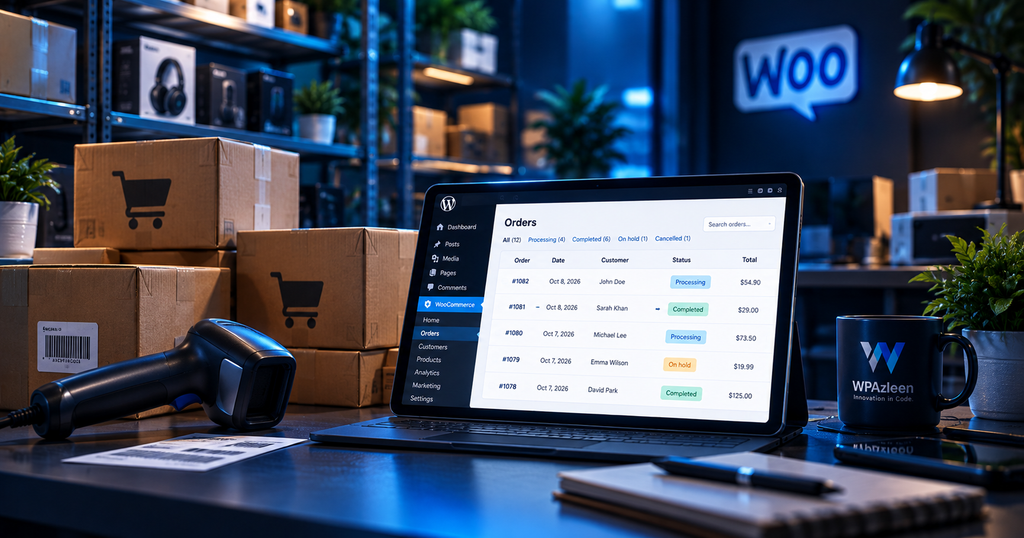
You open your WooCommerce store and notice that a product price has changed. An order is no longer in the status you expected. A coupon has been used more times than you anticipated, or stock levels look wrong.
Was it a team member? An automated process? A plugin? Or did something go wrong?
When several people and systems work on the same online store, finding the answer can become surprisingly difficult. You need more than a sales dashboard. You need visibility into the activity behind your store.
WooCommerce activity monitoring helps you understand important changes involving orders, products, inventory, coupons and other store operations. With the right monitoring workflow, you can investigate unexpected changes instead of relying on guesswork.
Activity Guard by WPAzleen combines WooCommerce activity logging and analytics with notifications and broader WordPress security features, helping store owners monitor more of their website from one plugin.
Table of Contents
What Is WooCommerce Activity Monitoring?
WooCommerce activity monitoring means recording and reviewing important events that happen in your online store.
Depending on the monitoring tools you use, these events can include order status changes, refunds, product updates, price changes, stock adjustments, coupon activity and changes made by store administrators.
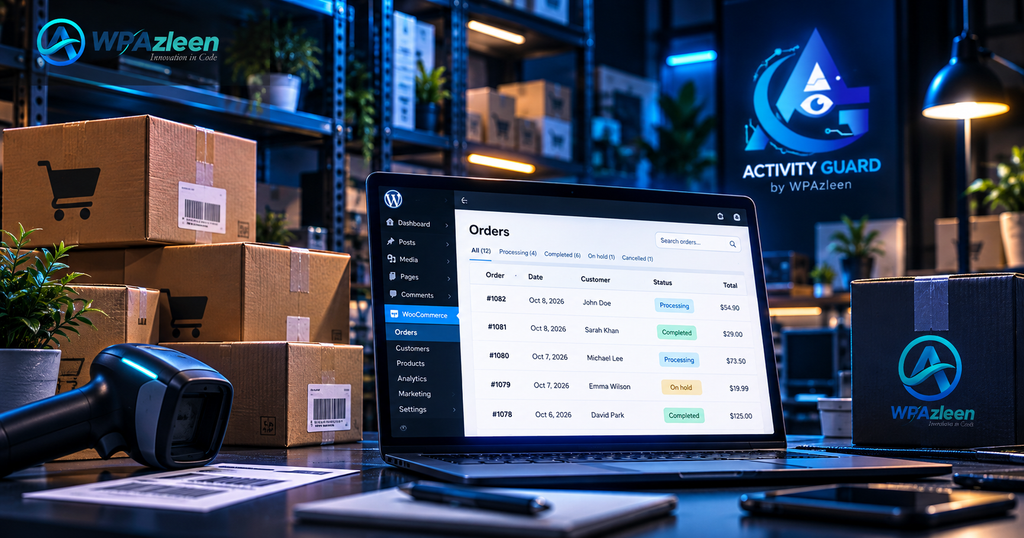
Monitoring is different from analytics. Analytics helps you understand sales trends, revenue and customer behaviour. An activity log helps explain what changed and provides context for investigating a particular event.
Both are useful. Analytics tells you what is happening across your business, while activity monitoring helps you investigate individual actions that may affect those results.
Why Store Owners Need Activity Monitoring
A small WooCommerce store might have one owner managing everything. A larger store may have shop managers, customer support staff, fulfilment teams, developers and third party integrations working together.
Every additional person or automated process creates more opportunities for unexpected changes.
Consider a product that suddenly becomes unavailable. The cause might be a stock adjustment, an import, an order, an inventory integration or a manual edit. Looking only at the current stock quantity may not tell you which event caused the problem.
Now consider an order that has been refunded or modified after a customer complaint. Knowing what changed and when can help your team investigate the situation more efficiently.
Activity monitoring gives store owners a clearer record of important operations. It does not prevent every mistake, but it helps make mistakes easier to investigate.
What Should You Monitor in WooCommerce?
1. Orders and Order Status Changes
Orders move through different stages, from payment and processing to completion, cancellation or refund. Monitoring relevant order activity helps you investigate unexpected changes and understand what happened during fulfilment.
For example, if an order changes status unexpectedly, an activity record can help you determine whether the change came from a user action or another supported event source.
2. Product Prices and Catalog Changes
Product edits can affect revenue, promotions and customer expectations. Monitor supported changes to product information, pricing and product status so unexpected edits are easier to investigate.
This is particularly valuable when several people manage a catalog or when products are updated through imports and external integrations.
3. Inventory and Stock Levels
Stock changes affect availability and fulfilment. A monitoring workflow can help you investigate low stock, unexpected inventory adjustments and other supported stock events.
When investigating an inventory discrepancy, compare the activity history with orders, imports and any external inventory system involved in your workflow.
4. Coupons and Promotions
Coupons can influence order values and promotional performance. Monitoring coupon creation, usage and relevant changes helps store owners understand how discounts are being applied and investigate unusual activity.
5. Customer and Store Administration Activity
Customer information, billing details, shipping details and store settings can all affect day to day operations. Relevant activity records can help you investigate changes made by authorised users and identify activity that needs further review.
6. Abandoned Carts and Incomplete Orders
Not every shopper who adds a product to a cart completes a purchase. Cart and incomplete order analytics can help store owners understand where potential purchases are being lost and investigate relevant customer journeys.
Cart monitoring is not the same as an activity log, and neither automatically recovers lost sales. Together with suitable follow up tools, however, these insights can help you identify opportunities to improve the shopping experience.
How Activity Guard Helps WooCommerce Stores
Activity Guard extends its WordPress monitoring capabilities into WooCommerce. This allows store owners to review supported store events alongside broader website activity and security monitoring.
WooCommerce Activity Logging
Track supported store events such as order status changes, payments, refunds, cancellations, product price edits, stock changes, coupon activity and customer related updates.
Store Analytics
Activity Guard includes WooCommerce analytics capabilities designed to give store owners more visibility into store operations. Analytics and activity history serve different purposes, so using both can make investigations more useful.
Notifications Through Slack, Telegram and Email
Important supported events can be connected to notification channels such as Slack, Telegram and email. This helps your team notice relevant activity without constantly checking the WordPress dashboard.
Security Monitoring Alongside Store Activity
WooCommerce does not operate in isolation. Store administrators also need visibility into logins, plugin changes and security events. Activity Guard combines store monitoring with security features such as IP blocking, CAPTCHA protection, file integrity monitoring and security scanning.
This broader approach is useful when you want to investigate store activity and website changes within the same monitoring workflow.
Real World Store Monitoring Examples
Example 1: A Product Price Changes Unexpectedly
Your best selling product suddenly has a different price. Instead of immediately assuming a pricing error, review the available activity records and compare the change with scheduled promotions, recent imports and administrator actions.
The record may help narrow the investigation. If the source is not clear, check the relevant integration or system logs as well.
Example 2: An Order Is Cancelled or Refunded
A customer contacts support about an order that has been cancelled or refunded. Reviewing the order history and relevant activity can help your team understand the sequence of events before responding to the customer.
Example 3: Stock Does Not Match Expectations
Your inventory count differs from the quantity shown in WooCommerce. Use available stock activity, order records and import history to investigate possible causes before making another adjustment.
Example 4: A Team Member Changes Store Settings
Several people have access to the store. A setting changes and nobody remembers who updated it. Activity monitoring can help establish when a supported change occurred and which user was associated with it.
How to Get Started with WooCommerce Activity Monitoring
- Install Activity Guard from the WordPress plugin directory.
- Ensure WooCommerce is installed and configured on your website.
- Open Activity Guard and review the available WooCommerce monitoring and analytics settings.
- Enable the supported activity types relevant to your store operations.
- Configure Slack, Telegram or email notifications where supported.
- Review the activity history and analytics to understand how store events are recorded.
- Test the workflow using normal store operations and confirm that the expected events appear.
Begin with the events that matter most to your business, such as order changes, product edits and inventory activity. Once your team is comfortable with the monitoring workflow, expand it to cover other relevant store operations.
Activity Guard vs Specialized WooCommerce Plugins
WooCommerce monitoring plugins do not all solve the same problem. Some concentrate on order edits, others provide an activity timeline, and broader monitoring plugins combine store events with WordPress security and notifications.
Order Edit Logger focuses on changes made to WooCommerce orders. It records who edited an order, when the edit occurred and which supported fields changed. It also offers email notifications and CSV export. Its official listing shows a one year plan priced at $39.
CodeFaeries Store Sentinel focuses on critical store events such as orders being trashed or deleted, order status changes and products being removed. It provides a chronological activity feed with filters and severity levels.
Activity Guard takes a broader approach by combining WooCommerce activity logging and analytics with notifications, WordPress activity monitoring and security tools. This may be a better fit when store owners want more than order edit history alone.
| Capability | Activity Guard | Order Edit Logger | Store Sentinel |
|---|---|---|---|
| WooCommerce activity monitoring | Yes | Focused on order edits | Focused on critical store events |
| Order activity | Yes | Detailed field level order edits | Order status and deletion events |
| Product and stock activity | Yes | Not its primary focus | Product removal events |
| Store analytics | Yes | No | No |
| Slack, Telegram and email integrations | Supported notification channels | Email notifications | Review current plugin documentation |
| WordPress security controls | Yes | Not its primary focus | Not its primary focus |
| Dedicated order edit export | Check available reporting options | CSV export | Review current plugin documentation |
The comparison is based on the products’ stated capabilities, not a claim that one plugin is best for every store. If you need detailed before and after values for individual order fields, a dedicated order logger may be more suitable. If you need store analytics, security monitoring and notifications in addition to WooCommerce activity, Activity Guard offers a broader combination of features.
You can review the Store Sentinel listing and the Order Edit Logger product page for their latest feature details.
Comparing Features and Value
Choosing a monitoring plugin based on price alone can lead to the wrong decision. The better approach is to list the capabilities your store actually needs and compare the cost of getting them.
For example, a store that only needs detailed order edit history may prefer a specialized order logging tool. A store that also wants product and stock monitoring, analytics, notification channels and WordPress security controls may benefit from a broader plugin.
Activity Guard offers a free version, with paid plans for additional capabilities. Before purchasing, check the current Activity Guard pricing page to confirm which features are included in each plan.
The goal is not simply to pay less for a plugin. It is to avoid paying for overlapping tools while still getting the monitoring and protection your business needs.
Best Practices for Store Monitoring
- Monitor order, product and inventory changes that matter to your operations.
- Limit administrative permissions to the people who need them.
- Configure notifications around meaningful events to avoid overwhelming your team.
- Review activity records when investigating refunds, pricing changes or inventory discrepancies.
- Include imports and external integrations in your troubleshooting process.
- Keep regular backups and test your recovery procedure.
- Protect customer information and restrict access to activity records appropriately.
- Review analytics separately from event logs because each provides different information.
Final Thoughts
A successful WooCommerce store needs more than a way to accept payments. It also needs visibility into the changes and events that affect its daily operations.
WooCommerce activity monitoring helps you investigate order changes, product edits, inventory activity and other important events. When combined with analytics and notifications, it gives your team a more complete picture of store operations.
Activity Guard by WPAzleen brings WooCommerce monitoring together with WordPress activity logging, notifications and security features. It is worth considering if you want a broader monitoring workflow without assembling every capability separately.
Want better visibility into your store? Explore Activity Guard and see which monitoring features fit your WooCommerce workflow.








Leave a Comment
Your email address will not be published. Required fields are marked *